
 Shop
Shop
 Français
 Deutsch
 Español
 Italiano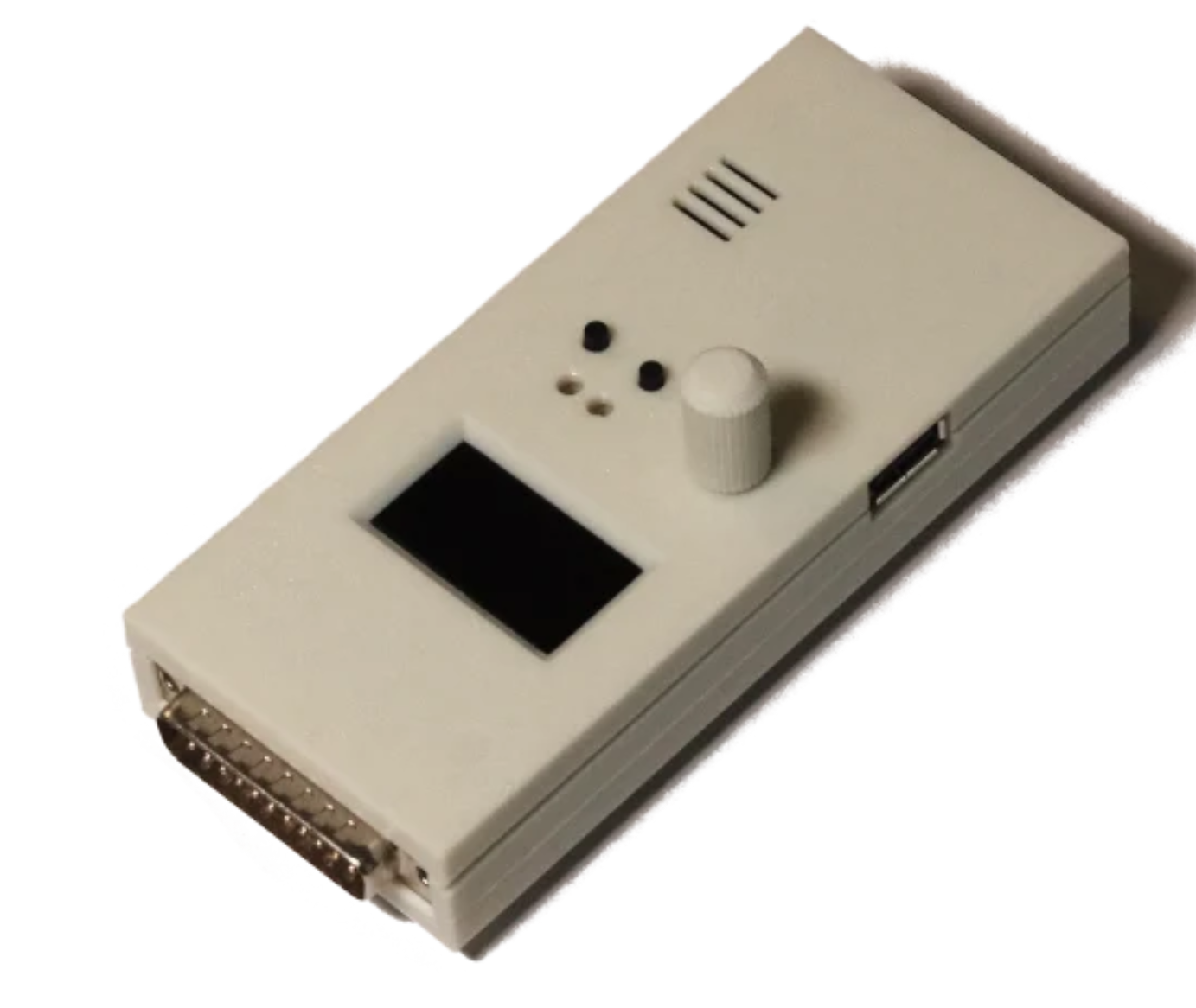
HippoFlops+ – External Gotek-compatible floppy emulator for Commodore Amiga
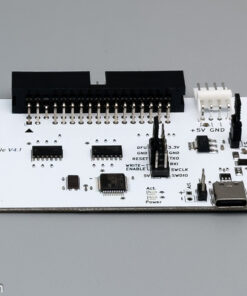
The HippoFlops+ by AutumnHippo is a powerful, Gotek-compatible floppy drive emulator with an Artery AT32F435 chip that plugs directly into the Commodore Amiga’s external 23-pin floppy port. The project is based on the proven OpenFlops design by Sukko Pera (which is based on the original Gotek plans), is open-source hardware, and runs the popular FlashFloppy firmware by Keir Fraser.
Equipped with a large OLED display, a handy rotary knob, and an integrated sound buzzer for that authentic retro feel, the HippoFlops+ gives you maximum convenience when loading ADF files via USB.
The HippoFlops+ by AutumnHippo is a powerful, Gotek-compatible floppy drive emulator that plugs directly into the Commodore Amiga’s external 23-pin floppy port. The project is based on the proven OpenFlops design, is open-source hardware, and runs the popular FlashFloppy firmware by Keir Fraser.
Equipped with a large OLED display, a handy rotary knob, and an integrated sound buzzer for that authentic retro feel, the HippoFlops+ gives you maximum convenience when loading ADF files via USB.
Highlights & Technical specs
- HippoFlops+: Based on an Artery AT32F435 (RGT7) chip with ARM Cortex-M4, 288MHz, and 384KB SRAM.
-
True DF1: operation: Runs from the external floppy port and acts as the second drive (DF1:).
-
Software compatibility: Boots all programs and games that support booting from a physical DF1: drive.
-
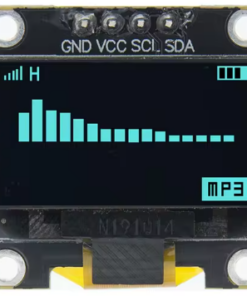
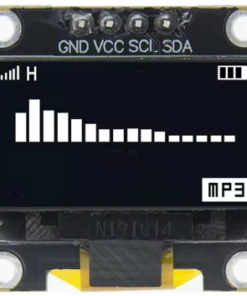
Large OLED display: 0.96″ or 1.3″ screen (128×64 pixels, 2-line) for clear file selection and status display.
-
FlashFloppy firmware: Supports the full feature set of the proven open-source firmware (known from Gotek and OpenFlops).
-
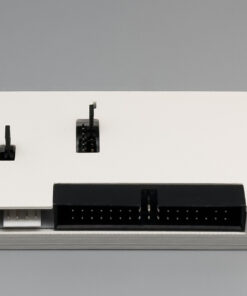
optional pass-through port (pass-through): Lets you connect another external drive or a second HippoFlops in series.
-
Rotary encoder: Fast, precise menu navigation via rotary encoder.
-
Integrated piezo buzzer: Emulates the typical stepper-motor and access sounds of a real floppy drive.
-
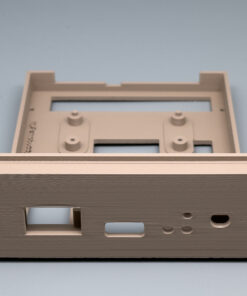
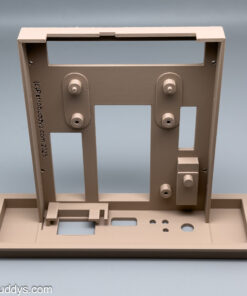
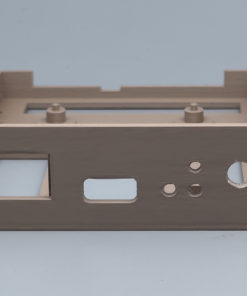
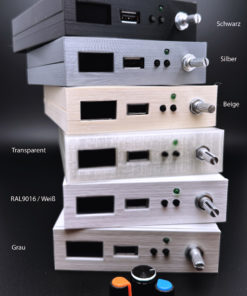
Quality case: Perfect-fit, rugged case made with modern 3D printing.
Compatibility
-
Compact Amigas: Fully compatible with Amiga 500, Amiga 500+, Amiga 600, and Amiga 1200.
-
Big-box models (A1000, A2000, A3000, A4000): Electrically fully compatible. Note: Due to the case dimensions, the adapter may not sit flush on the desk surface with some desktop cases. Make sure it’s firmly seated to avoid accidental unplugging during operation. Alternatively, you can conveniently plug the module into the rear connector of a physical external floppy drive.
Available variants
1. Ready-to-use unit (Ready-to-Use)
-
Fully assembled and ready to run.
-
Firmware (FlashFloppy) is preinstalled.
-
Ready to go right away: just plug it in, insert a USB stick, and start (USB stick sold separately or optionally available to order).
2. Kit (DIY kit)
-
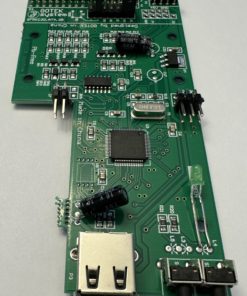
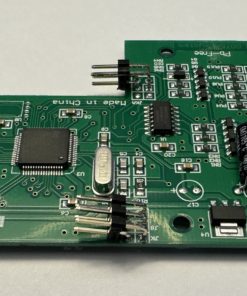
The PCB is already pre-populated with the tiny SMD parts – no SMD soldering required.
-
You solder the following components yourself: DB-23 connectors, rotary knob (rotary encoder), and OLED display.
-
Final case assembly is up to you.
-
Flashing the FlashFloppy firmware is done by you (you’ll need a standard USB-to-TTL adapter / FTDI or a USB A-A cable).
Open Source & Documentation
Many thanks to AutumnHippo and Sukko Pera for this Gotek alternative.
Source code, CAD files, and detailed build instructions can be found in the official project repository:
https://gitlab.com/autumnhippo/hippoflops

| Weight | 0,3 kg |
|---|---|
| Version | Ready to use, Kit |
| OLED | 1.3" Blue, 1.3" White, 0.96" Blue, 0.96" White |
| Housing | none, Beige, White, Retro 8Bit, Black, Yellow, Red, Blue, Brown, Desert |
| Rotary Encoder | Metallic, Orange, Case color |
| Pass-through | with pass-through, without |
| USB Stick | without, 16 GB, 32GB |
Related products
incl. VAT
zzgl. Versandkosten
Lieferzeit: approx. 7 days
incl. VAT
zzgl. Versandkosten
Lieferzeit: Delivery Time at Checkout
Amiga 2000
incl. VAT
zzgl. Versandkosten
Lieferzeit: DHL shipping - 2-3 business days in Germany, longer in the EU!
Amiga 2000
incl. VAT
zzgl. Versandkosten
Lieferzeit: approx. 7 days
incl. VAT
zzgl. Versandkosten
Lieferzeit: DHL shipping - 2-3 business days in Germany, longer in the EU!
Components, bases and parts
incl. VAT
zzgl. Versandkosten
Lieferzeit: DHL Versand - 2-3 Geschäftstage in D, EU länger !