
 Shop
Shop
 Français
 Deutsch
 Español
 Italiano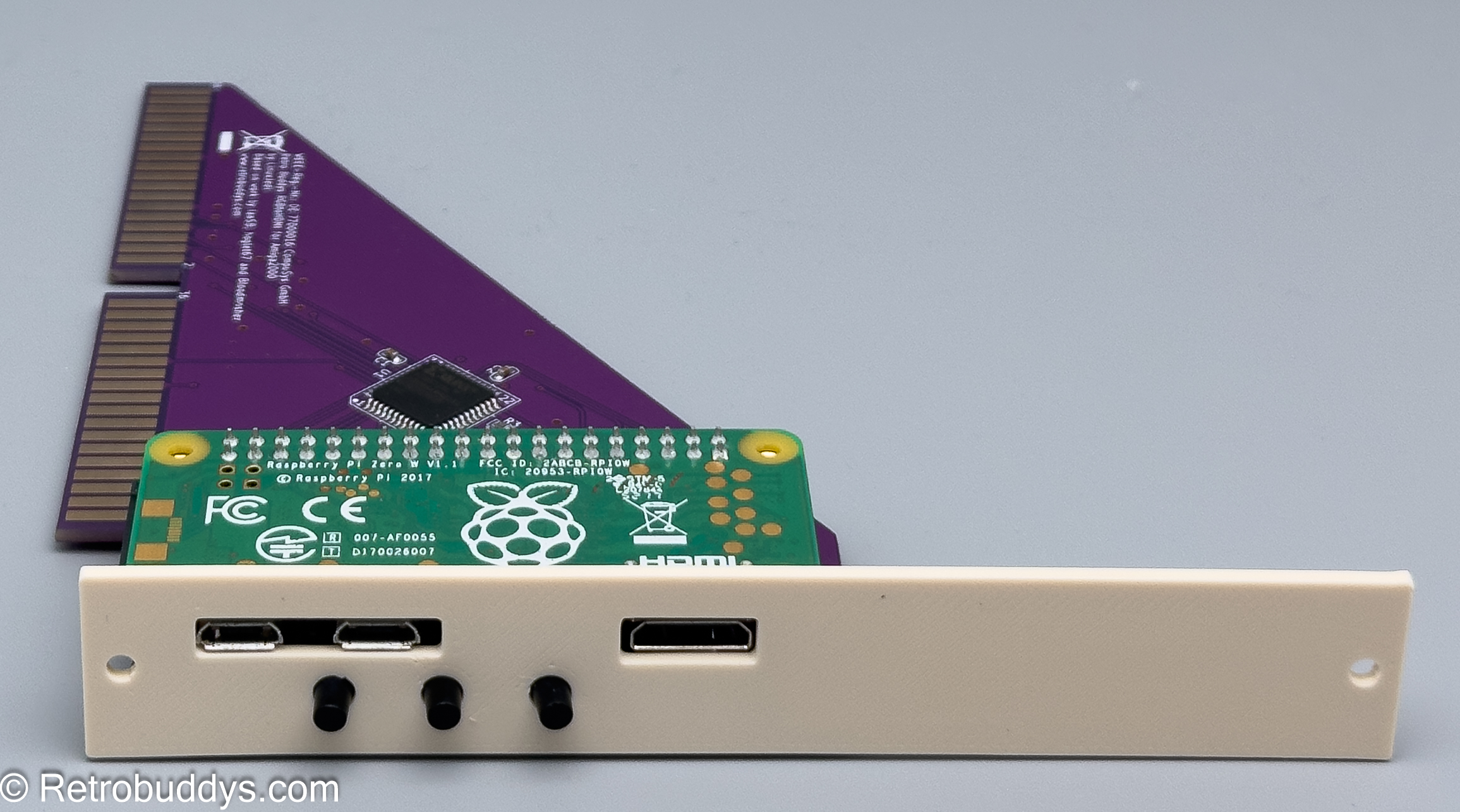
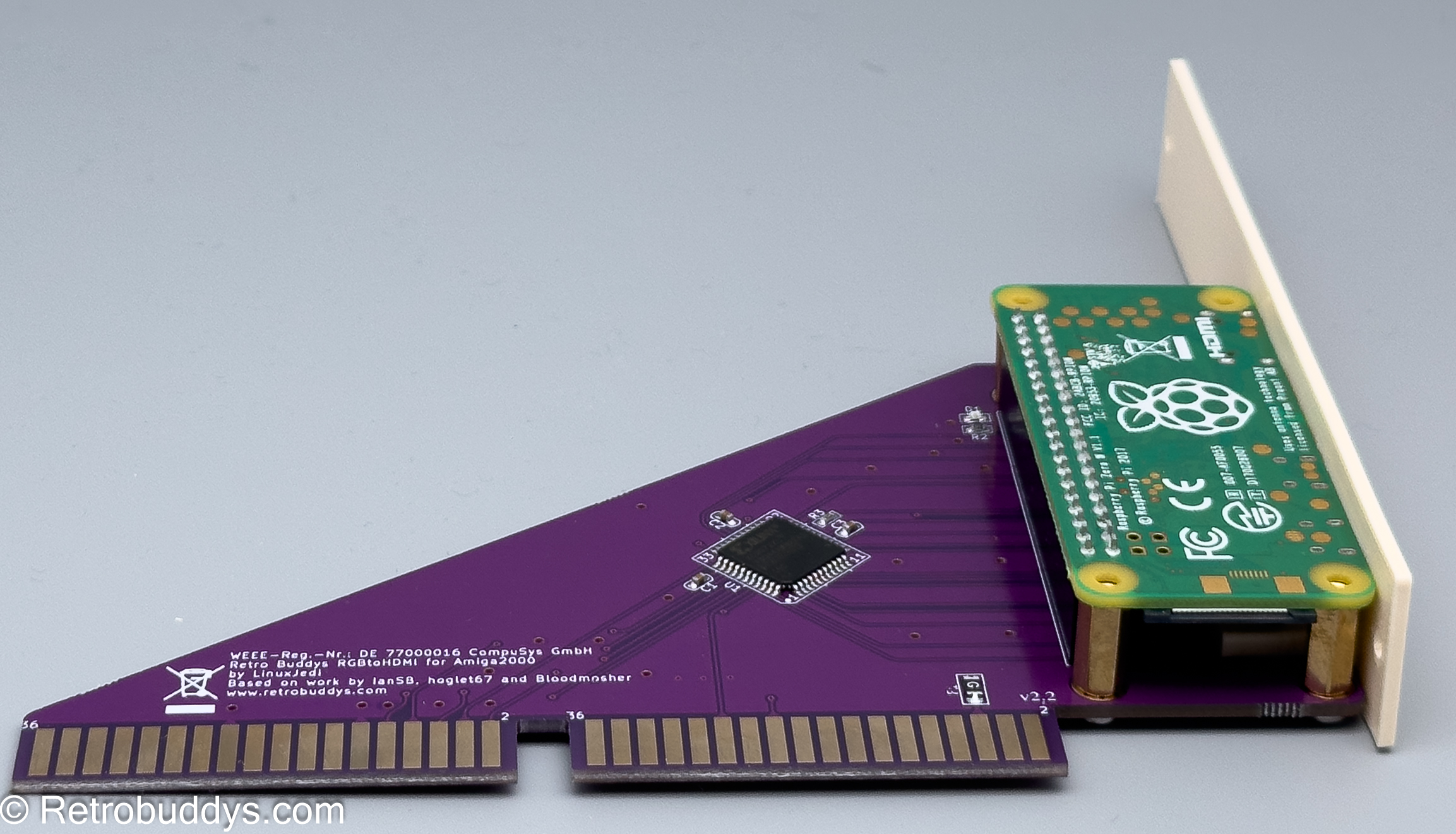
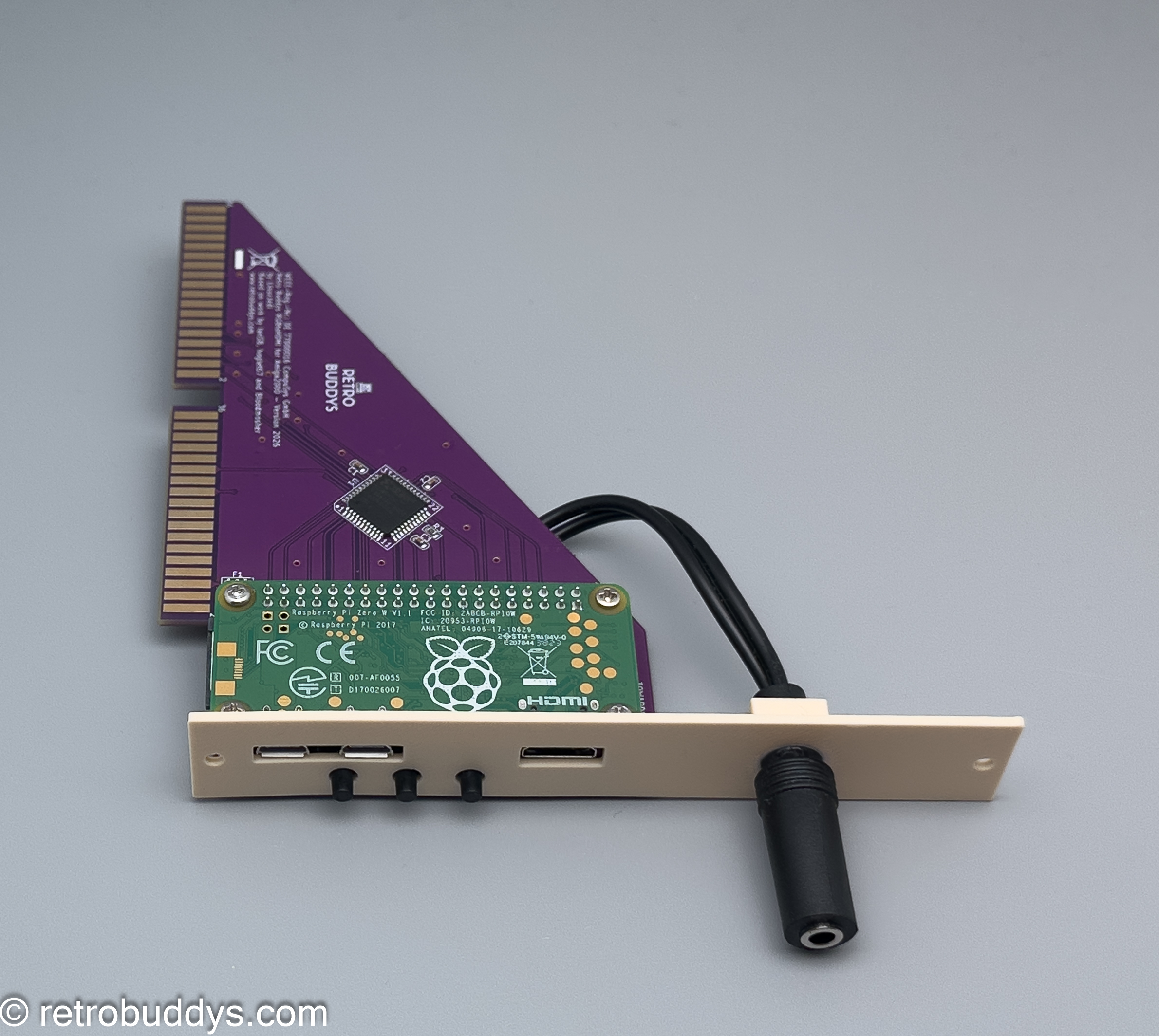
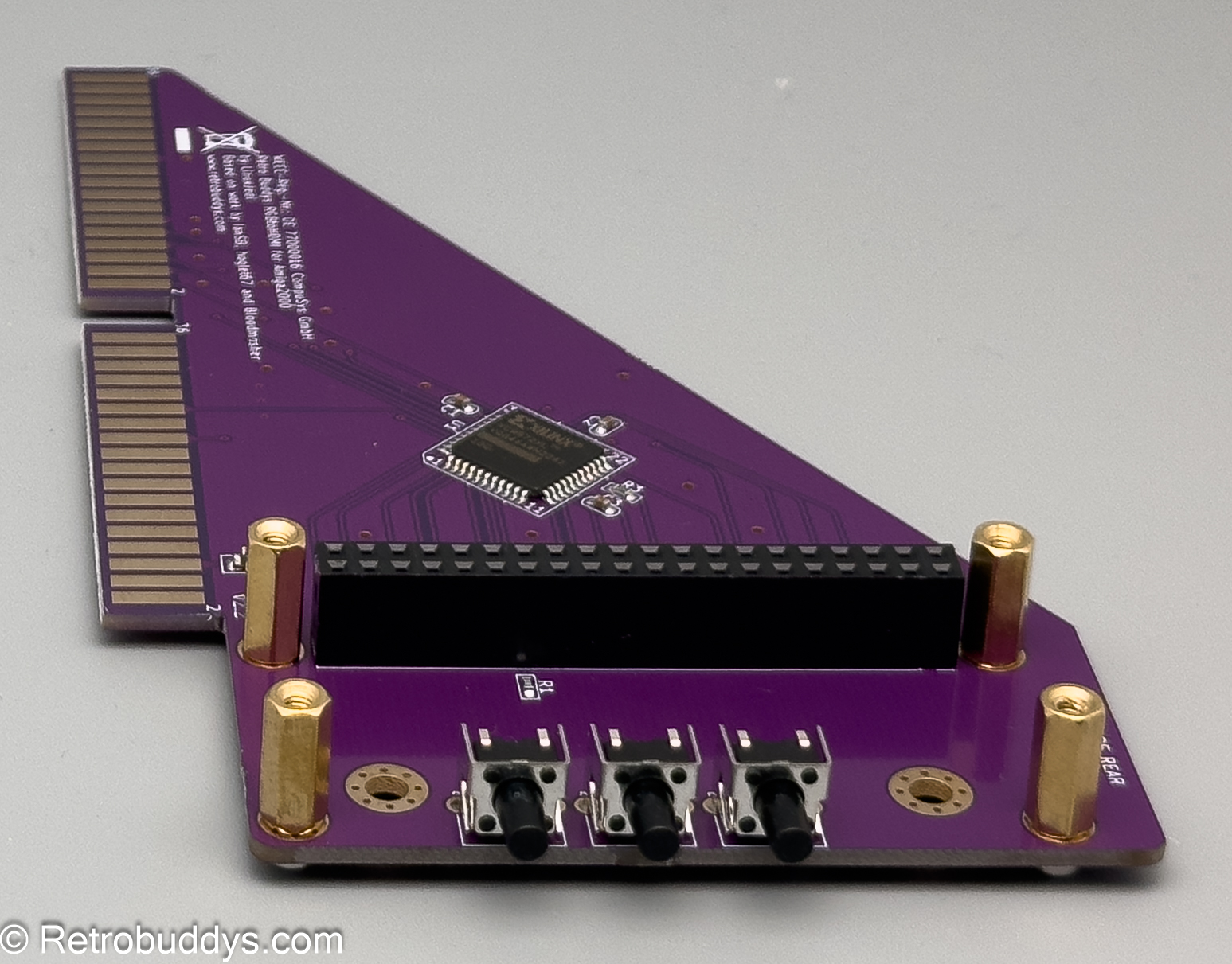
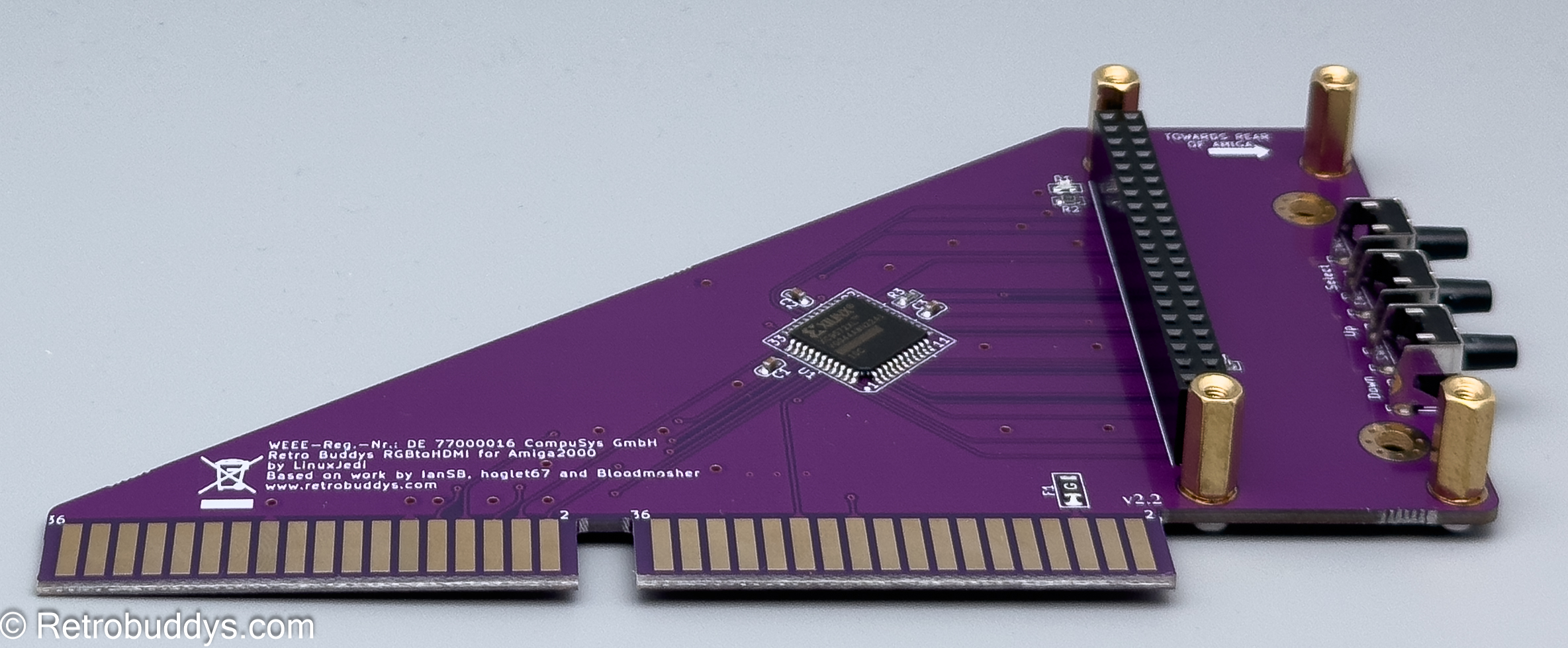
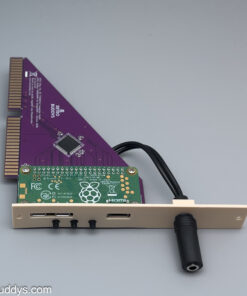
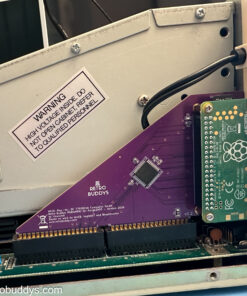
RGB-to-HDMI Adapter for Amiga 2000 (NEW) with Optional HDMI Audio
51,00 € – 105,00 €
incl. VAT zzgl. Versandkosten
RGM-to-HDMI Adapter for Amiga 2000 NEW with optional HDMI audio adapter!
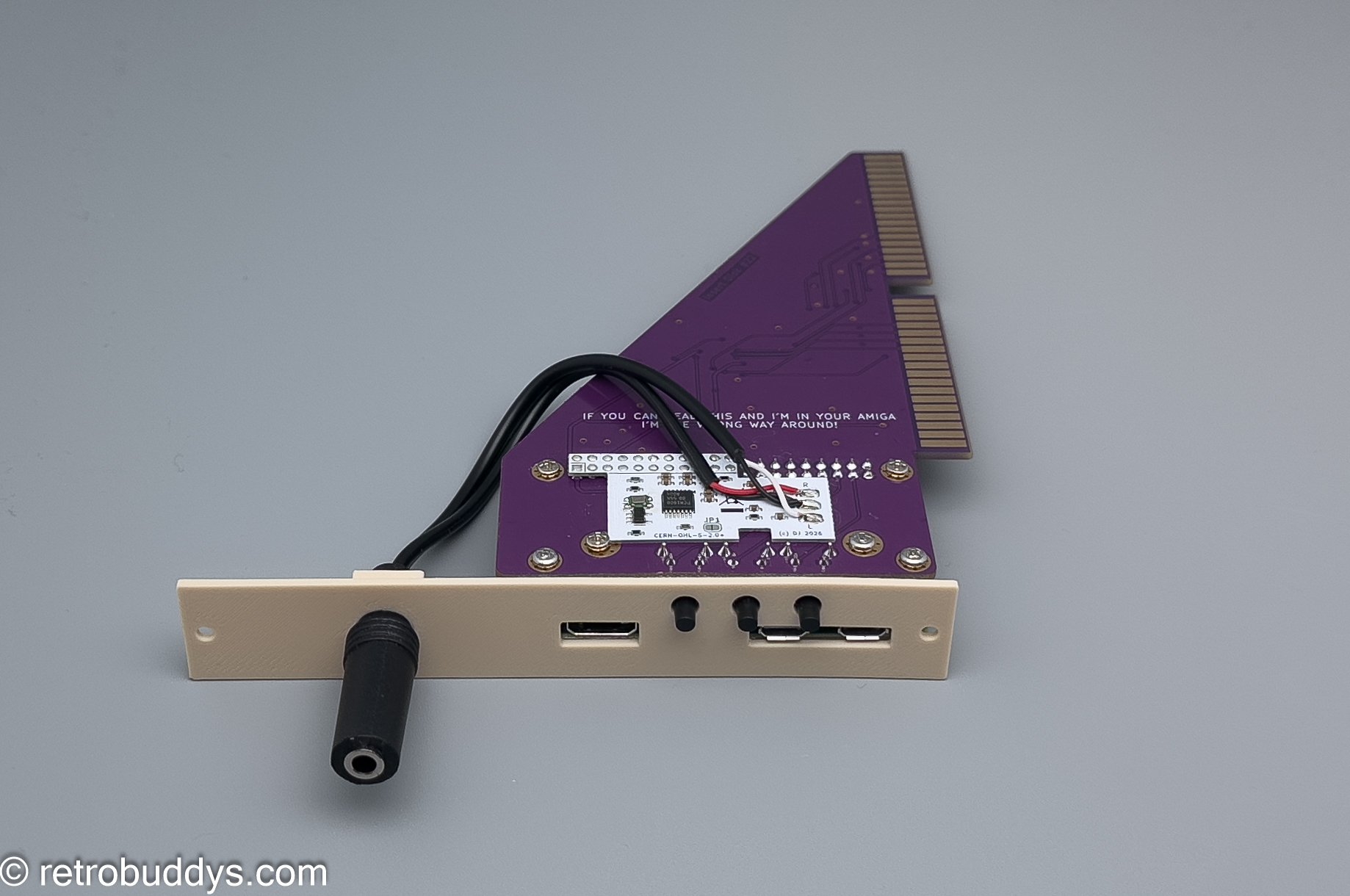
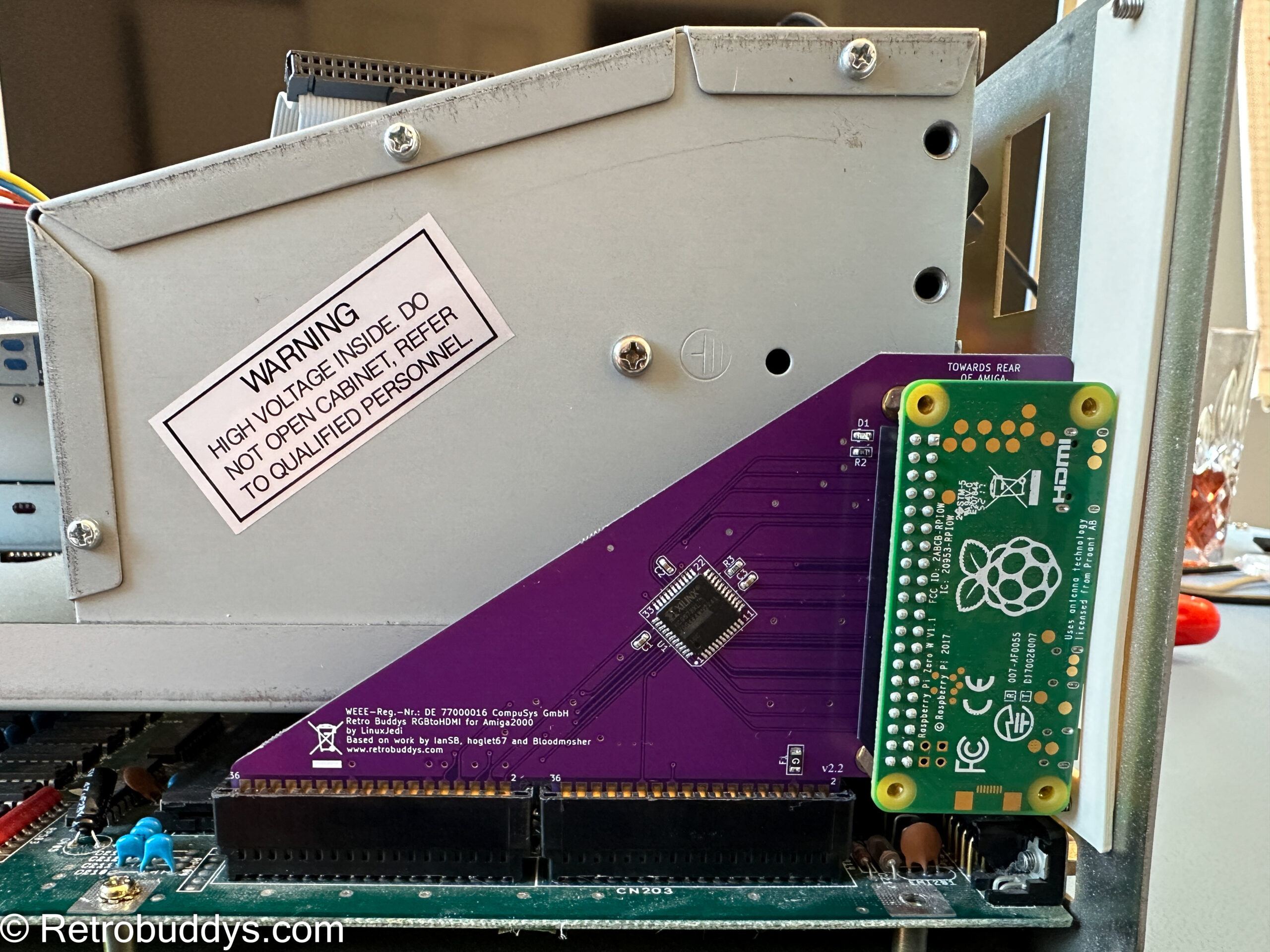
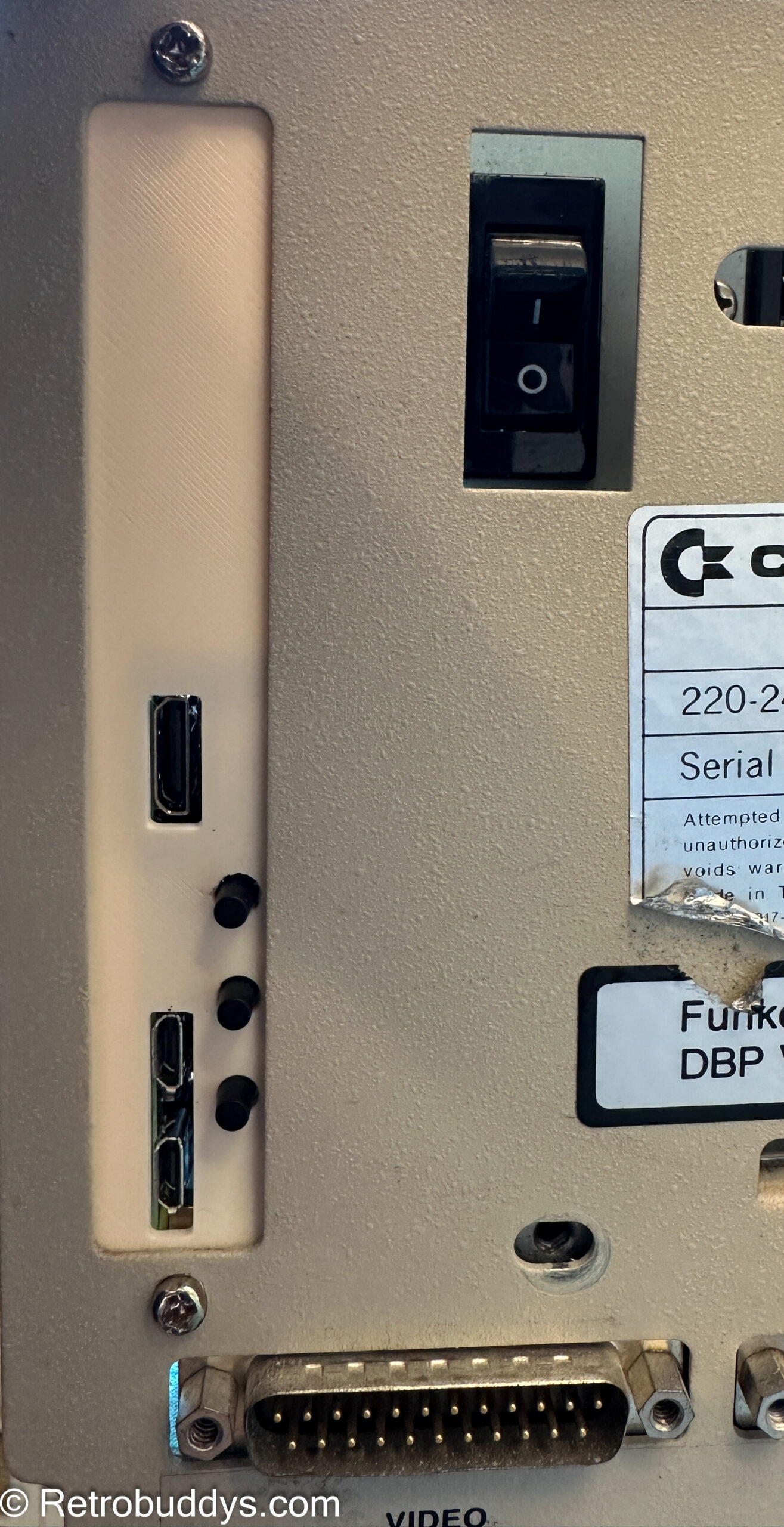
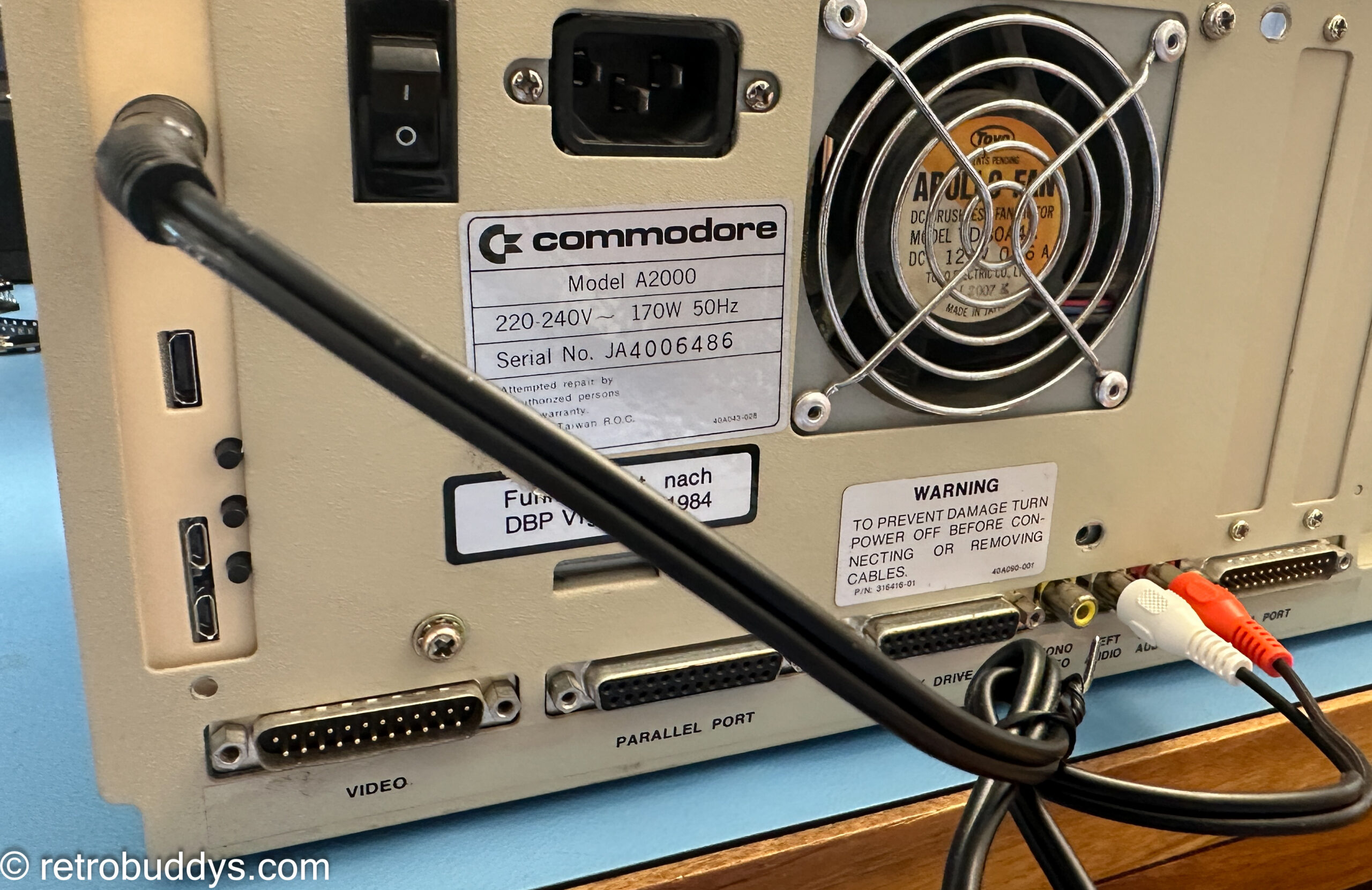
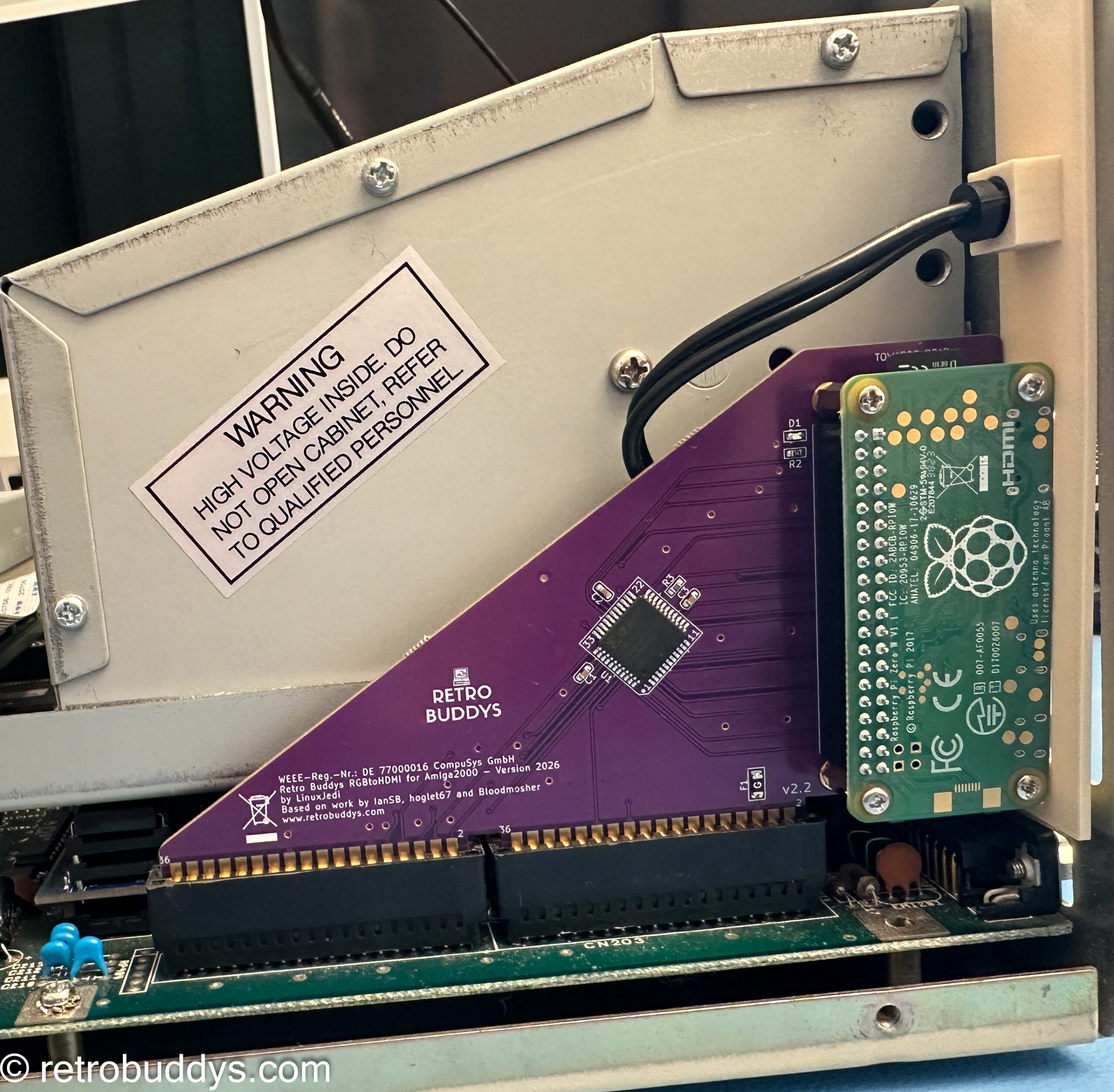
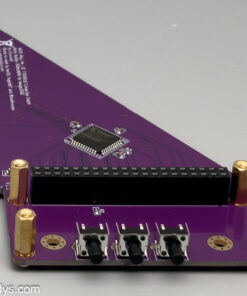
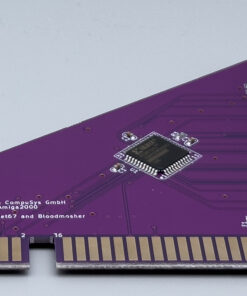
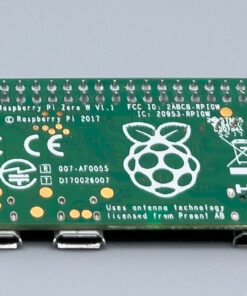
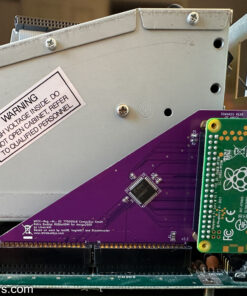
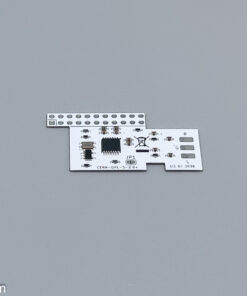
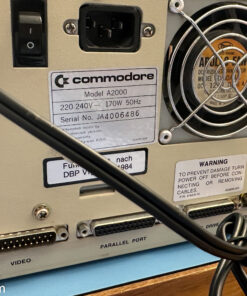
With this adapter, the RGB signals from the Amiga2000 are output to HDMI via a Raspberry Pi. The adapter is installed in the video adapter slot of the Amiga2000. We offer the adapter in 2 versions: Either only the adapter with the 3D print bezel or as a complete set. In the adapter-only version, the CPLD itself must be flashed, a Raspberry PI Zero plugged in and the software configured. In the Plug&Play version, everything is included and configured for immediate use.
By purchasing the adapter from us, you are actively supporting the project, as part of the proceeds go directly to the team!
Lieferzeit: Delivery Time at Checkout
RGM-to-HDMI Adapter for Amiga 2000 NEW with optional HDMI audio adapter!
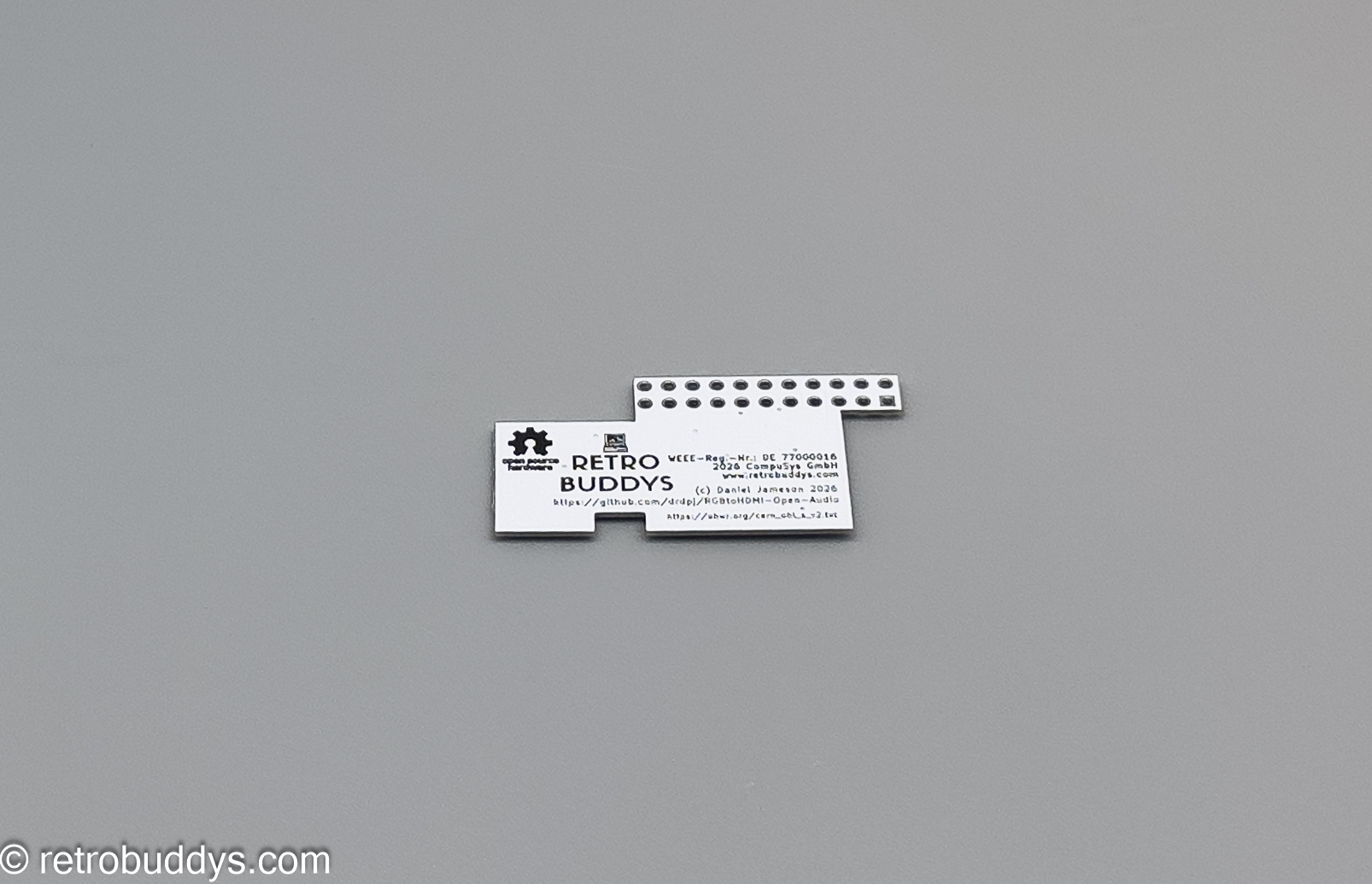
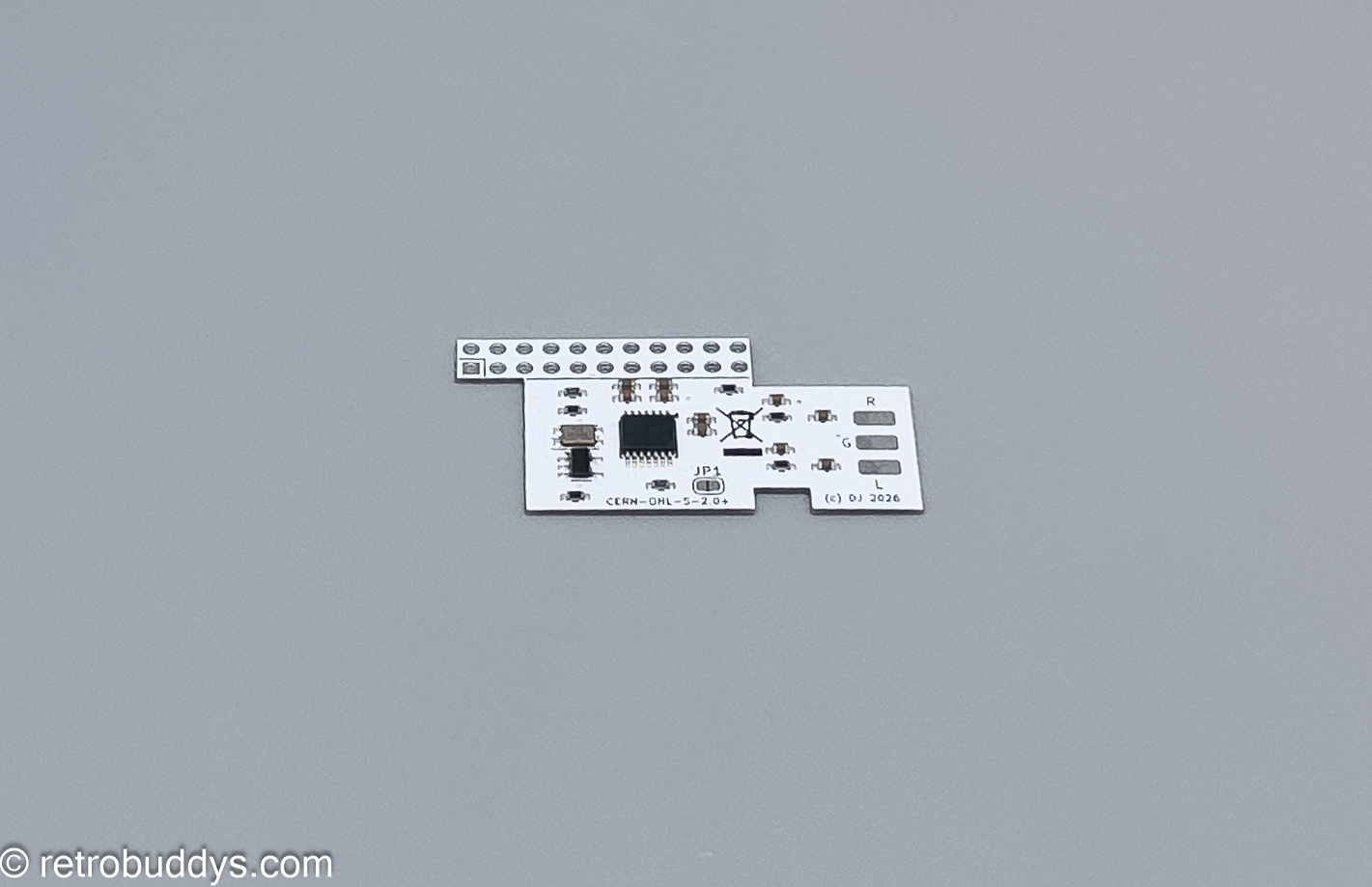
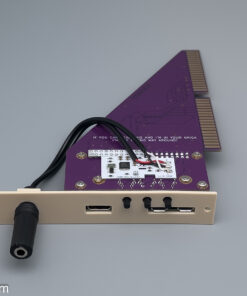
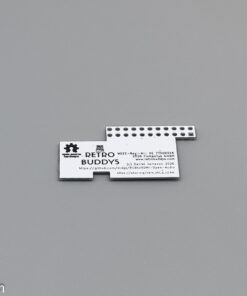
With this adapter, the RGB signals from the Amiga2000 are output to HDMI via a Raspberry Pi. The adapter is installed in the video adapter slot of the Amiga2000. We offer the adapter in 2 versions: Either only the adapter with the 3D print bezel or as a complete set. In the adapter-only version, the CPLD itself must be flashed, a Raspberry PI Zero plugged in and the software configured. In the Plug&Play version, everything is included and configured for immediate use. For HDMI audio, an additional circuit board is required, which is soldered to the Raspberry Pi connector using a “piggyback” method.
By purchasing the adapter from us, you are actively supporting the project, as part of the proceeds go directly to the team!
Features
- For Amiga 2000
- RGB to HDMI converter
Prerequisites
- Amiga 2000
- SD card from 8GB
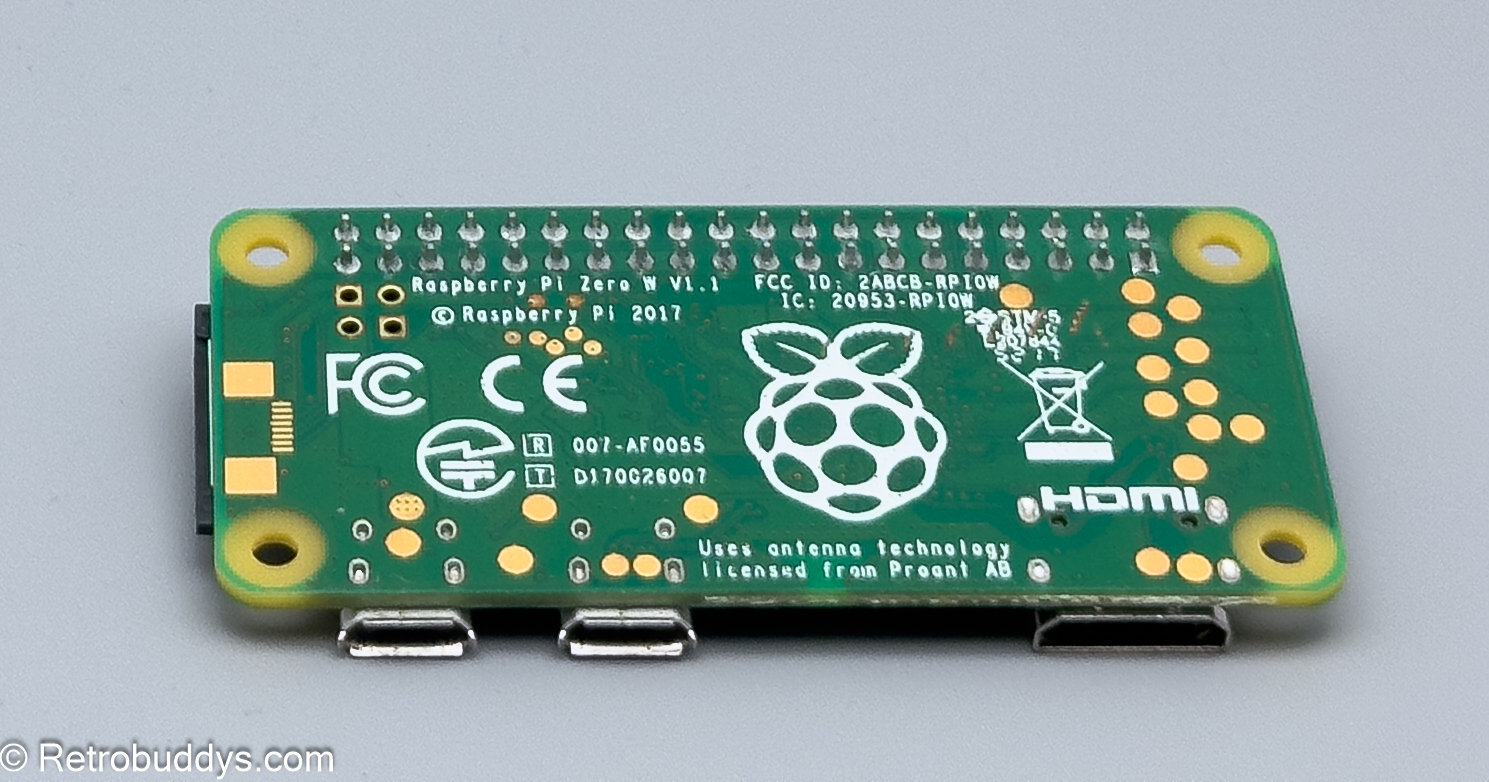
- Raspberry Pi Zero1 or Zero 2
- Software (see below) must be installed on the SD card.
- Requires free video adapter slot
Scope of delivery
- RGB to HDMI adapter for Amiga 2000
- Slot cover with screws – mounted as a set
- 8 screws and risers for mounting the Raspberry Pi Zero (mounted in the set)
- Raspberry Pi Zero 1 (optionally only mounted in the set)
- SD card 8GB with installed software (optional only in the set)
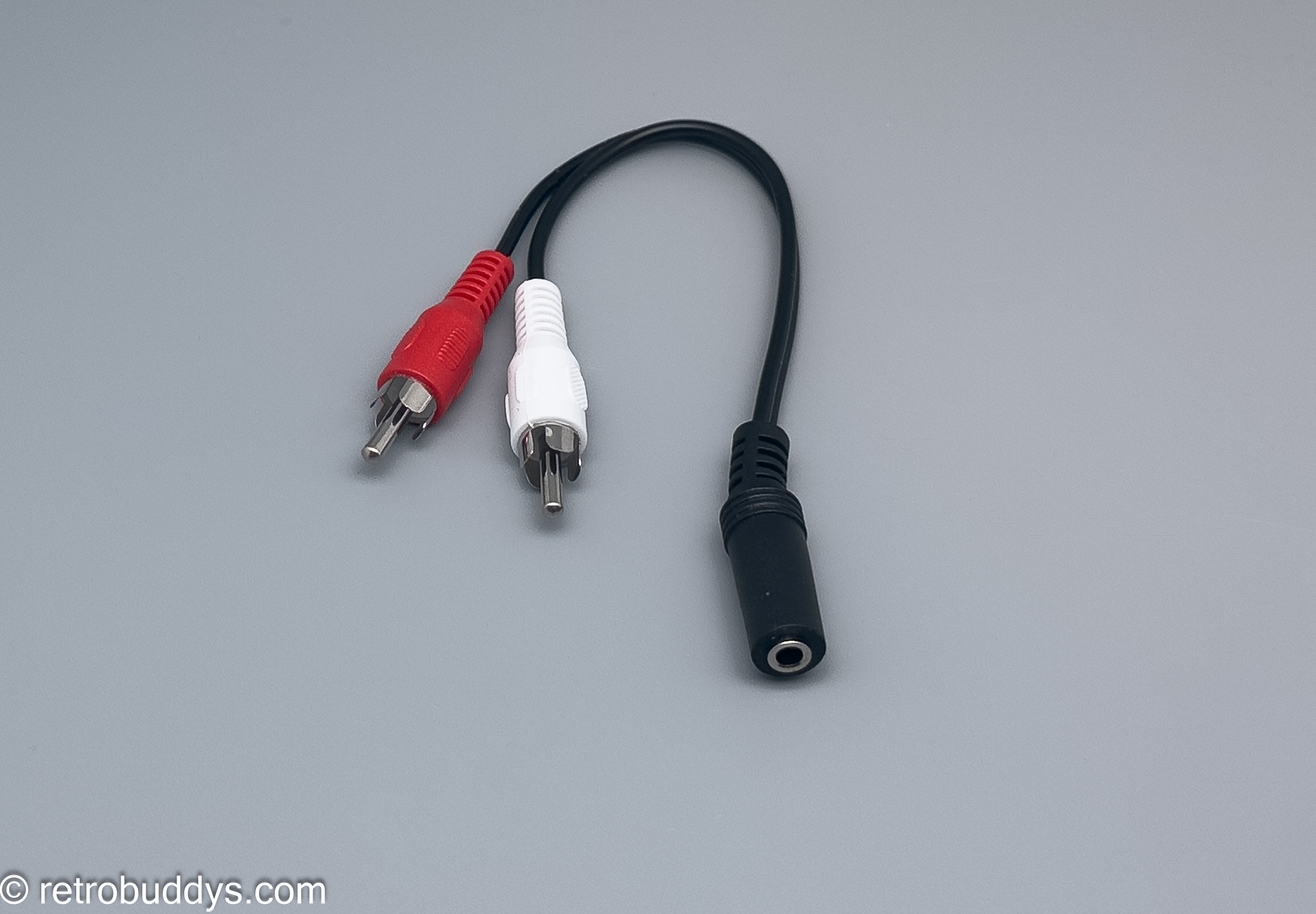
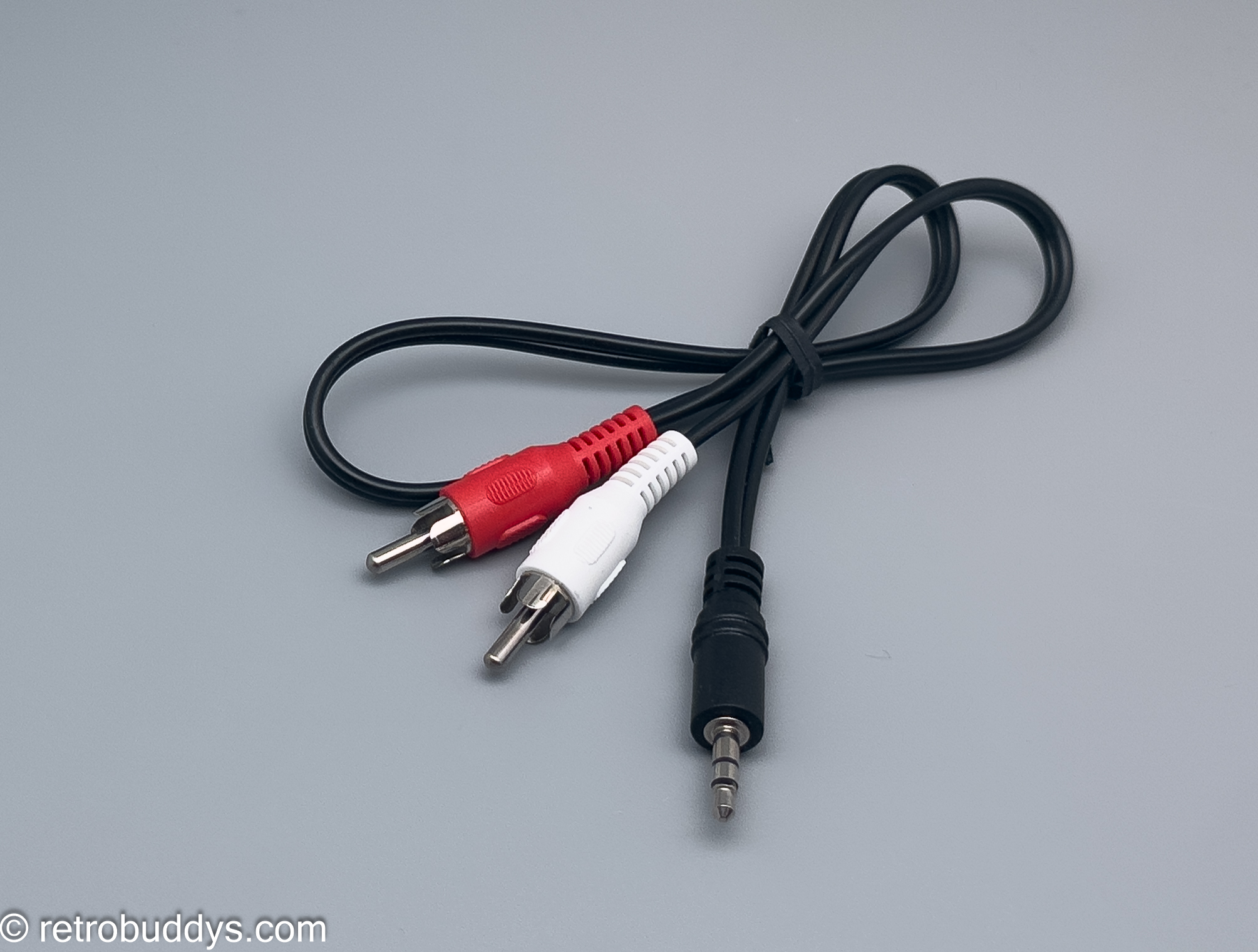
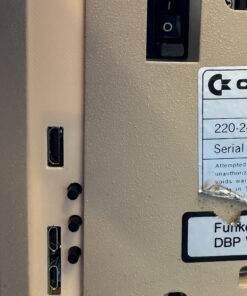
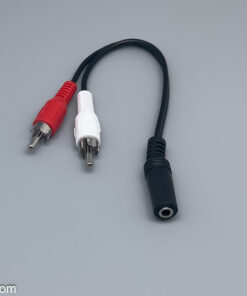
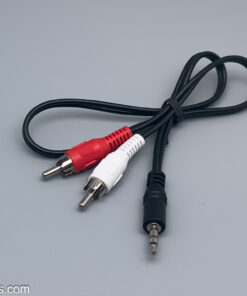
- HDMI Audio Adapter (optional—pre-installed) with cable—3.5mm jack socket + 3.5mm jack to RCA (Amiga audio ports) NEW!!!
Documentation
- Documentation on the project can be found here: https://github.com/LinuxJedi/AmigaRGBtoHDMI/tree/main/Amiga2000CPLDSlot
- Software can be found here: https://github.com/hoglet67/RGBtoHDMI/wiki
- 8GB Retrobuddy’s image can be found here: https://www.retrobuddys.com/download/a2krgbhdmi.zip
- The 8GB Retrobuddys image with audio is available here: https://www.retrobuddys.com/download/A2kImageAudio.zip
- HDMI Open Audio can be found here: https://github.com/drdpj/RGBtoHDMI-Open-Audio
The RGB-to-HDMI adapter was developed by @LinuxJedi Andrew Hutchings based on designs by “IanSB,” “c0pperdragon,” and “hoglet67.”
Many thanks also to Daniel Jameson @drdpj @danielj (Bluesky) for the RGB2HDMI Audio Add-on.
We are happy to provide some support for this outstanding project.
We manufacture the RGB to HDMI adapters in House.

| Weight | 0,5 kg |
|---|---|
| Plug + Play | no, Yes |
| HDMI Audio | completely, without |
Related products
incl. VAT
zzgl. Versandkosten
Lieferzeit: DHL Versand - 2-3 Geschäftstage in D, EU länger !
Amiga 2000
incl. VAT
zzgl. Versandkosten
Lieferzeit: approx. 7 days
incl. VAT
zzgl. Versandkosten
Lieferzeit: DHL shipping - 2-3 business days in Germany, longer in the EU!
incl. VAT
zzgl. Versandkosten
Lieferzeit: DHL Versand - 2-3 Geschäftstage in D, EU länger !